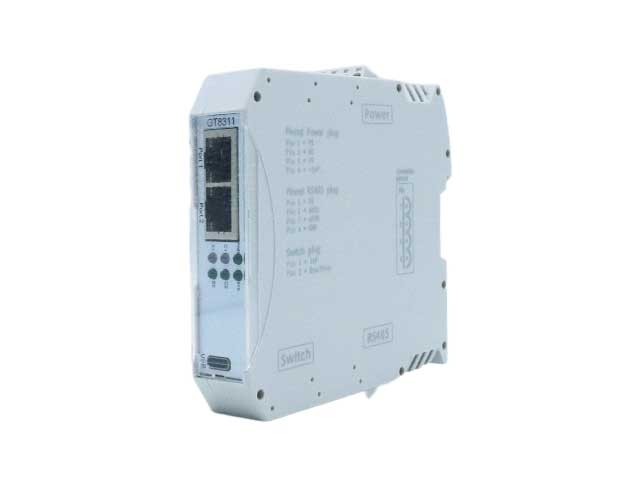
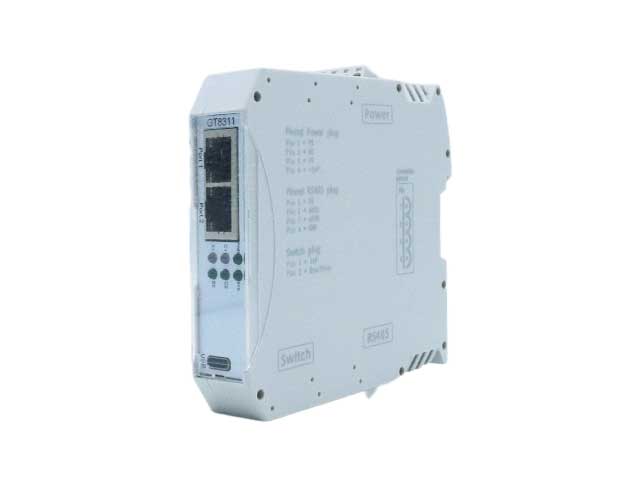
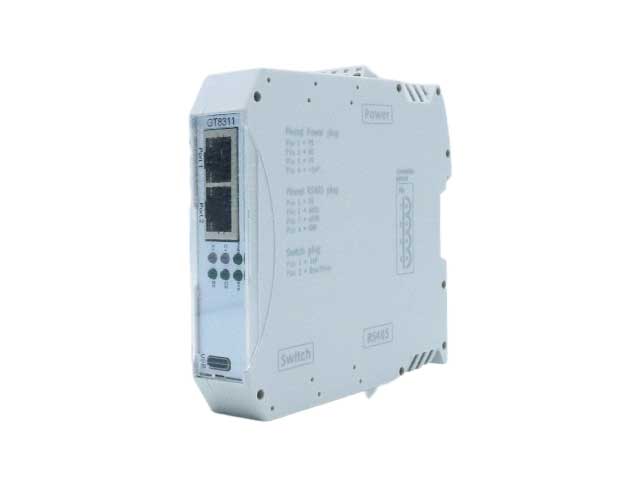
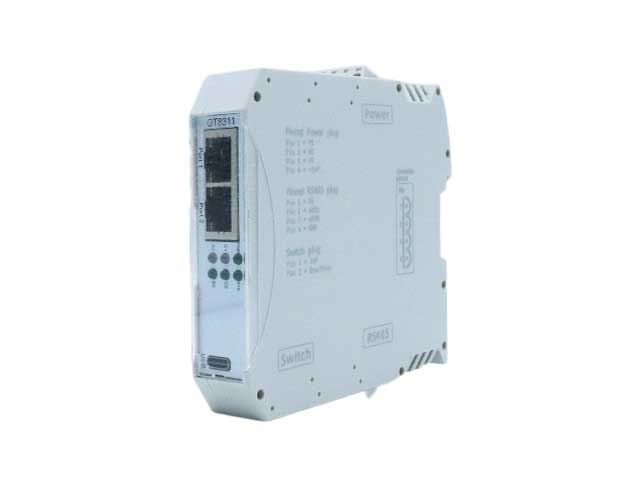
CAN转以太网最常见10个问题及解决办法
1.通讯链路不通
1. Communication link not working
解决:检查网线是否接好、水晶头是否压接正常;确认设备网口灯亮且闪烁,CAN端终端电阻(120Ω)是否正确接入。
Solution: Check if the network cable is properly connected and if the crystal head is properly crimped; Confirm that the device's Ethernet port light is on and flashing, and that the CAN terminal resistance (120 Ω) is correctly connected.
2.CAN数据无转发
2. CAN data is not forwarded
解决:核对设备IP是否在同一网段,关闭电脑防火墙;检查CAN波特率、以太网参数与上位机配置一致。
Solution: Check if the device IP is in the same network segment and turn off the computer firewall; Check that the CAN baud rate, Ethernet parameters, and upper computer configuration are consistent.
3.数据丢包/延迟
3. Data loss/delay
解决:降低CAN总线负载率,减少无关节点;确保以太网为百兆/千兆稳定链路,避免多设备抢占带宽。
Solution: Reduce CAN bus load rate and minimize irrelevant nodes; Ensure Ethernet is a stable link of 100Mbps/1G to avoid multiple devices competing for bandwidth.
4.设备无法被搜索
4. The device cannot be searched
解决:确认电脑与设备直连或同属一个交换机;关闭虚拟网卡,使用厂家官方搜索工具,检查设备是否正常上电。
Solution: Confirm that the computer is directly connected to the device or belongs to the same switch; Turn off the virtual network card and use the manufacturer's official search tool to check if the device is powered on normally.
5.CAN总线报错
5. CAN bus error
解决:排查总线短路/断路,移除故障节点;检查CAN_H/CAN_L接线是否反接,终端电阻是否多接/漏接。
Solution: Check for bus short circuits/open circuits, remove faulty nodes; Check if the CAN-H/CAN_L wiring is reversed and if there are any overpasses or omissions in the terminal resistance.
6.上位机无法解析数据
6. The upper computer cannot parse the data
解决:核对通讯协议(TCP/UDP/Modbus)是否匹配;检查数据帧格式、波特率、ID过滤规则是否设置正确。
Solution: Verify if the communication protocol (TCP/UDP/Modbus) matches; Check if the data frame format, baud rate, and ID filtering rules are set correctly.
7.设备频繁重启/掉线
7. Frequent device restarts/disconnections
解决:检查供电电压是否稳定(DC9-24V),排除电源接触不良;远离强电磁干扰源,做好接地防护。
Solution: Check if the power supply voltage is stable (DC9-24V) and eliminate poor power supply contacts; Stay away from strong electromagnetic interference sources and ensure proper grounding protection.
8.多设备组网冲突
8. Multiple device networking conflicts
解决:为每台设备分配唯一IP地址,避免网段冲突;采用星型以太网组网,CAN总线采用总线型拓扑。
Solution: Assign a unique IP address to each device to avoid network segment conflicts; Adopting a star shaped Ethernet network, the CAN bus adopts a bus topology.
9.固件升级失败
9. Firmware upgrade failed
解决:确保升级过程中供电稳定、网络通畅;使用厂家指定升级工具,核对固件型号与设备硬件匹配。
Solution: Ensure stable power supply and smooth network during the upgrade process; Use the manufacturer specified upgrade tool to verify that the firmware model matches the device hardware.
10.远距离通讯异常
10. Abnormal long-distance communication
解决:以太网超100米使用光纤收发器;CAN总线超500米添加CAN中继器,降低总线波特率提升稳定性。
Solution: Ethernet over 100 meters using fiber optic transceivers; Add CAN repeaters to the CAN bus over 500 meters to reduce the bus baud rate and improve stability.
如果您需要选型CAN转以太网设备,可以加微信13019325660或前往沈阳广成科技官网具体咨询。
If you need to select CAN to Ethernet devices, you can add WeChat 13019325660 or visit the official website of Shenyang Guangcheng Technology for specific consultation.